 Amazon is announcing a new, better, lighter, cheaper Kindle. With the new version of the Kindle
 , I’m finally ready to break down and buy one. but something struck me as odd. Why doesn’t the Kindle play music, or any audio for that fact?
Amazon sells Audio Books Amazon has a great MP3 Music Download Store.
I know the E-Ink technology won’t support it but they even have a Video On Demand store that competes with Netflix, Hulu Plus and iTunes.
But to me, music seems like a no brainer. When I read a book I listen to music. Always. I almost can’t read a book unless I’m listening to music. Plus there’s the whole audio book cross over.
The Kindle already has Text-to-Speech reading capability how much harder would adding a music player be?
I realize that this becomes a slippery slope that effects the purity of the single function device but I’ve already questioned the long term value of single function devices. Of course I’m finally ready to buy one so maybe single function devices still have some life left in them.
Join the New Comm Biz Facebook Page or follow along on Twitter.
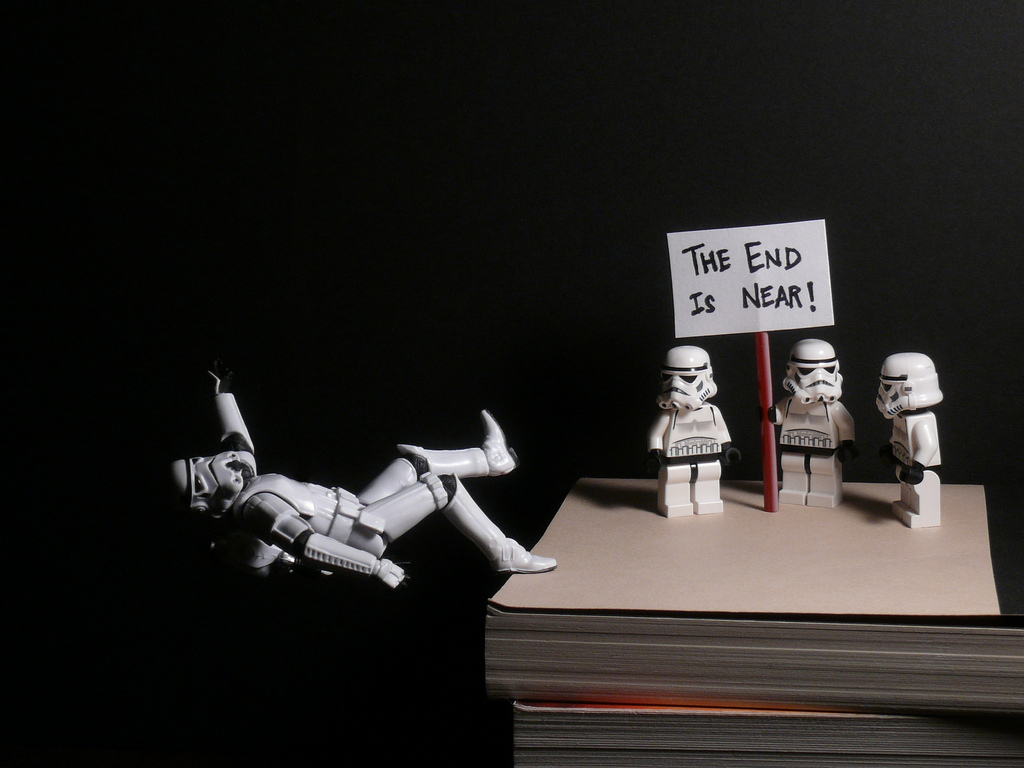
Photo credit By Gobble Monster
Full disclosure, Amazon is a client.
Similar Posts:
- Vilifying Multitasking and Fear Mongering is Counterproductive
- Join our Facebook Page to Win the Book - Drive: The Surprising Truth About What Motivates Us
- Drive Book Contest Update
# of Comments 5
# of Comments 4
# of Comments 2